
Tutorials
How to Remove the Background From an Image (Step by Step)
A complete beginner's walkthrough for cutting a subject out of any photo and saving it as a clean transparent PNG.


Upload a photo and get a crisp, transparent PNG — perfect edges every time.
2.4M+
Images processed
190+
Countries served
4.8/5
Average user rating
< 5s
Typical cutout time
Drag the handle on any example to reveal the cutout.
Every curl and flyaway strand kept intact — no halo, no jagged edges.
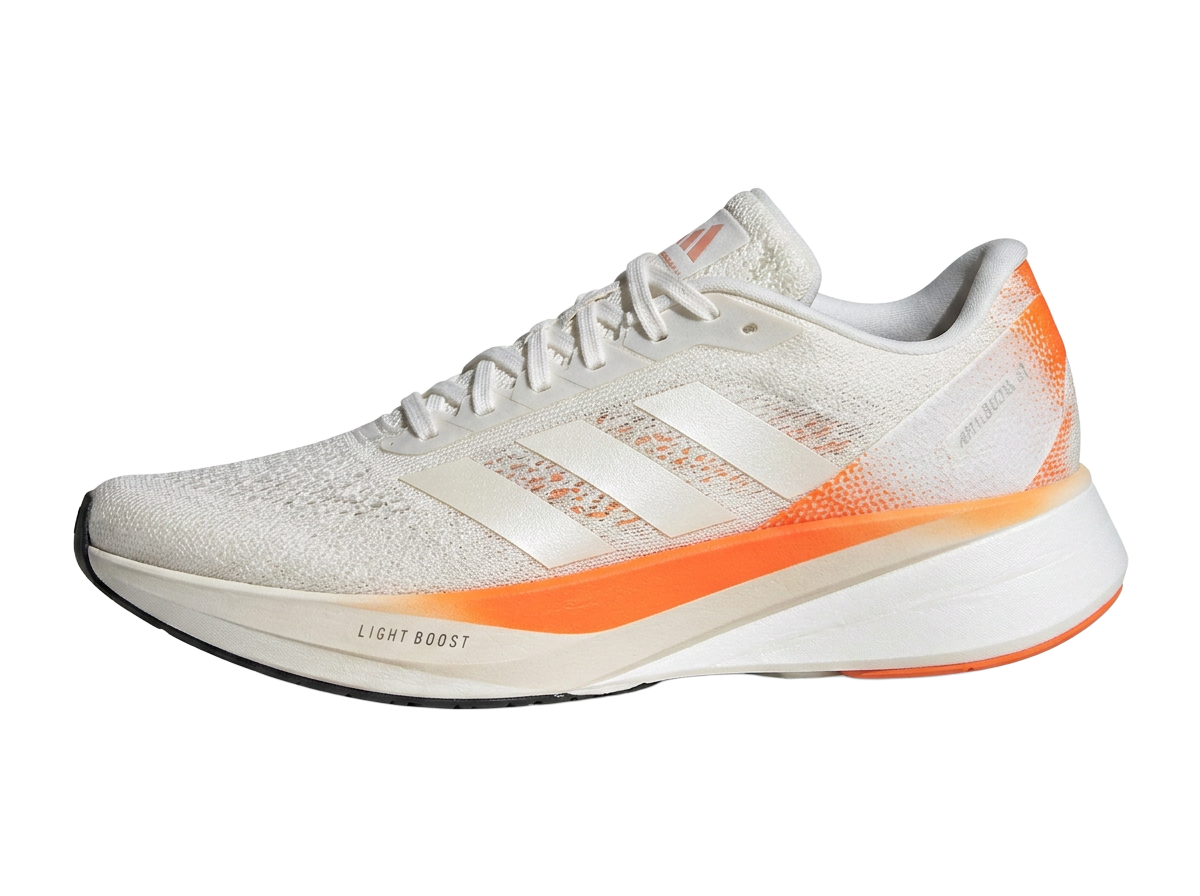

Turn a messy desk shot into a clean catalogue image, ready to publish.
Everything a background remover should be — sharp, instant and free.
Advanced segmentation handles hair, fur and fine edges with precision.
Clean, sharp outlines on people, products, pets and packaging.
Export a ready-to-use PNG with a fully transparent background.
Drop in solid colours or beautiful gradients in one click.
Crop, resize, rotate, flip, zoom and pan without leaving the page.
Results in seconds, so you can move on to the next image.
Full quality exports, never stamped with a logo.
Full undo and redo history, plus a one-tap reset.
Four steps, about ten seconds.
Drag & drop or pick a PNG, JPG, JPEG or WEBP file.
The subject is cut out automatically in a few seconds.
Swap backgrounds, crop, rotate, flip, zoom, undo and redo.
Full quality, no watermark, ready to use anywhere.
One editor, a lot of very different jobs.
Clean white backgrounds that meet marketplace image rules.
Crisp headshots for CVs, badges and team pages.
Cut-out subjects on bold colours that stop the scroll.
Slide graphics and worksheets without stray backgrounds.
Sellers, designers, teachers and creators use PicsCut as part of their daily workflow.
“I list about forty products a week and every photo needs a plain white background. What used to be an evening of editing is now ten minutes before lunch.”
Amara O.
Online seller, Lagos
“The hair edges are the part most tools get wrong. PicsCut gets close on the first pass and the restore brush fixes the rest in seconds.”
Daniel R.
Freelance designer
“I run our social channels from my phone. Being able to cut out a subject and drop it on a gradient without opening a laptop is the whole reason I use it.”
Priya S.
Social media manager
“We prepare class materials on a tight budget. Free, no watermark and no sign-up meant the whole department could start using it the same day.”
Martin K.
Secondary school teacher
“Consistent cutouts across a catalogue matter more than any single perfect image. PicsCut is predictable, which is exactly what I needed.”
Chloe B.
E-commerce photographer
“I made a full set of sticker-style thumbnails in an afternoon using the outline and glow effects. Subscribers noticed the change immediately.”
Tobi A.
YouTube creator
Premium accounts are created after payment — there is no public sign-up.
Everything you need to get started. No account needed.
For creators who ship every day.
For teams and high-volume product catalogues.
Prices shown in USD for United States.
Guides that help you get more out of every image.
Tutorials
A complete beginner's walkthrough for cutting a subject out of any photo and saving it as a clean transparent PNG.
Technology
The five things worth checking before you trust a free background remover with your product photos or portraits.
Technology
Transparency, file size and quality compared, with a simple rule for choosing an export format every time.